
Every ecommerce business wants the same outcome, more traffic, more customers, and more sales. To…
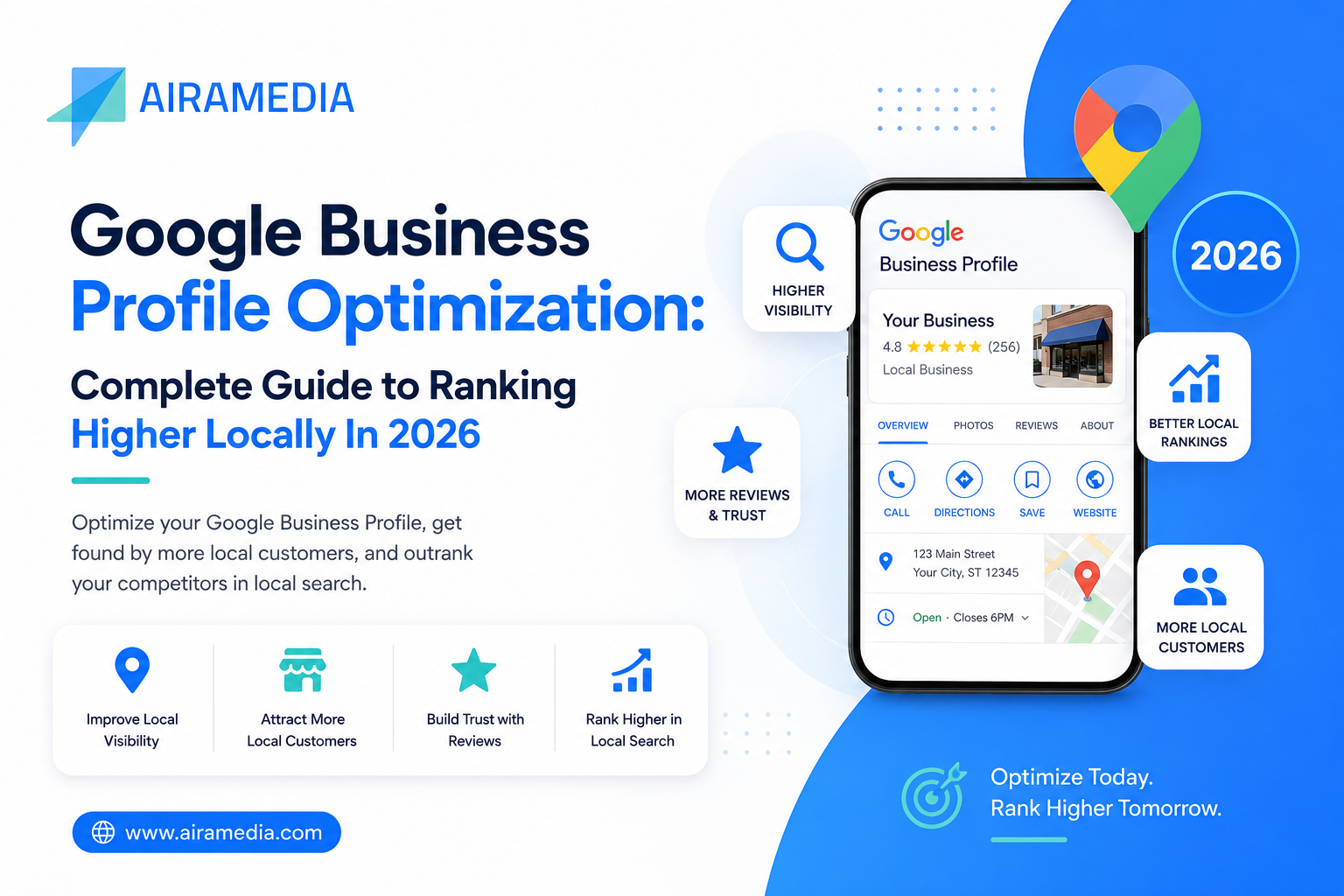
Google Business Profile Optimization: Complete Guide to Ranking Higher Locally In 2026
If your business serves customers in a specific city or area, your Google Business Profile (formerly Google My Business) is one of the most powerful and most underused tools you have. It’s often the very first thing a potential customer sees before they ever visit your website.
This guide walks you through what Google Business Profile is, why it matters, and exactly how to optimize it to show up higher in local search and Google Maps.
What Is a Google Business Profile?
A Google Business Profile is a free listing that appears on Google Search and Google Maps, showing key details about your business, location, hours, contact information, photos, and customer reviews.
The tool has evolved over the years, going from Google Places to Google My Business, and is now known as Google Business Profile, with new features being added regularly to help local businesses compete for visibility.
Why Google Business Profile Optimization Matters?
Stronger Local Visibility: An optimized profile helps your business appear when nearby customers search for what you offer, especially important since most local searches happen on mobile devices from people ready to visit or buy soon.
More Trust, More Engagement: A well-maintained profile makes it easy for customers to call you, get directions, or read reviews, all of which build credibility before they even speak to you.
Better Local Rankings: Google evaluates how complete and consistent your business information is, how many reviews you have, and how relevant and established your business appears online. The stronger these signals, the better your local rankings.
Key Factors That Influence Your Google Business Profile Ranking
1. Complete and Consistent Information: Fill out every field- business name, address, phone number, hours- and make sure this information (your NAP) matches exactly across every platform where your business is listed. Consistency builds trust with search engines.
2. Accurate Categories and Services: Choose the most relevant primary category along with applicable secondary categories. List out your services with keyword-rich descriptions so Google can match your profile to the right searches.
3. A Strong Business Description: Write a clear, engaging description that highlights what you offer and where you serve, naturally including the terms your customers are likely searching for.
4. High-Quality Photos and Videos: Profiles with professional, up-to-date visuals of your location, products, and team tend to get more engagement and appear more trustworthy to potential customers.
5. Recent, Consistent Reviews: A steady stream of recent reviews (and thoughtful responses to each one) signals that your business is active and valued by customers, both major local ranking factors.
6. Regular Posts and Updates: Posting offers, updates, and news on your profile shows Google your business is active, and gives customers a reason to engage.
7. Domain and Citation Authority: Being listed accurately across trusted online directories, along with quality backlinks to your website, strengthens your business’s credibility in Google’s eyes.
8. Website Performance: A fast, mobile-friendly website with proper schema markup helps search engines understand your business better and supports the rest of your local SEO efforts.
Step-by-Step Guide to Optimizing Your Google Business Profile
- Claim and verify your listing: this gives you full control over your business information.
- Audit your existing details: check that your name, address, and phone number match everywhere online.
- Complete every section of your profile: categories, hours, services, and a detailed description.
- Upload high-quality photos: aim for a strong first set covering your location, team, and offerings.
- Actively manage reviews: encourage new reviews and respond to every one, positive or negative.
- Post updates consistently: offers, news, and events keep your listing active and relevant.
- Build local citations and backlinks: list your business in reputable directories and earn links from local sites.
- Optimize your website: ensure mobile-friendliness, fast load times, and correct schema markup.
- Study your top local competitors: see what’s working for the highest-ranking businesses in your category.
Advanced Optimization Tactics for 2026
Optimizing for AI-Powered Search: With Google’s AI Overviews and answer-style search results becoming more common, having clear FAQs and detailed local information on your profile helps AI systems understand and surface your business accurately.
Video Verification: Beyond simplifying profile edits, video verification signals authenticity to Google. Make sure your branding and location details are clearly visible during the process.
Community Engagement: Hosting or sponsoring local events, and sharing them through your profile, along with encouraging customers to tag your business in their own content, strengthens your local presence.
Cross-Promotion with Local Businesses: Partnering with nearby businesses or local influencers for mutual shout outs and profile mentions can meaningfully boost your local authority.
Timely, Seasonal Posts: Holiday promotions, countdowns, and limited-time offers create urgency and tend to drive quicker engagement; just make sure they’re paired with strong visuals.
Multi-Location Management: Businesses managing several locations can benefit from tools that centralize profile management and reporting across all listings.
How to Track Your Google Business Profile Performance
- Review your Profile Insights to see how customers are finding you and how they’re interacting with your listing.
- Track your local search rankings for key terms relevant to your business.
- Use Google Analytics with UTM tracking to measure how much traffic and action your profile actually drives to your website.
- Monitor review volume and engagement over time to gauge whether your optimization efforts are paying off.
Common Mistakes to Avoid
- Keyword stuffing your business description instead of writing naturally.
- Inconsistent business information across different platforms.
- Duplicate, unverified listings that confuse both customers and search engines.
- Incorrect map pin placement, which can cost you nearby customers entirely.
- Ignoring reviews and customer questions, which signals disengagement.
- Letting your profile go stale with outdated photos and no recent activity.
- Leaving messaging or booking features turned off, missing an easy way for customers to reach you.
- Neglecting your website’s structure, making it harder for Google to understand your business.
What’s Next for Google Business Profile Optimization
- AI and Generative Search: Writing in a natural, conversational style will matter more as AI-driven search results become standard.
- Video Verification: Likely to play a growing role in how much trust Google places in a listing.
- Voice Search Readiness: Clear, direct Q&A content helps voice assistants pull accurate answers about your business.
- Cross-Platform Data Sync: Keeping your details consistent across Google, Apple Maps, and other platforms will only become more important.
Final Thoughts
Google Business Profile optimization isn’t a one-time task; it’s an ongoing effort that keeps your business visible and competitive in local search. Small, consistent improvements compound over time, helping you get chosen before your competitors even come up.
At AiraMedia, we help businesses claim, optimize, and actively manage their Google Business Profiles, from complete profile setup and review management to local citations, content, and monthly performance reporting.
FAQs
Q1. What is a Google Business Profile used for?
It’s a free tool that lets businesses manage how they appear on Google Search and Maps, showing key information to potential customers and providing insight into how people find them.
Q2. How do I optimize my Google Business Profile?
Claim and verify your listing, complete every section (hours, categories, services), add photos and posts regularly, actively manage reviews, and monitor your insights to keep improving.
Q3. How can I grow my Google Business Profile?
Keep your listing fully verified and complete, add fresh photos regularly, build local backlinks, encourage and respond to reviews consistently, and continue refining your website for local SEO.
Q4. How do I create a Google Business Profile?
Sign in at business.google.com, click “Manage now,” enter your business name, category, and location or service area, add your contact details and hours, and complete verification via phone, email, or postcard.

Related Posts
Comments (0)